Amazon Brand Store design that gives shoppers one place to explore your whole range
We plan the structure, write the copy, design every page, and check the store at phone size before it goes live.
 Follow
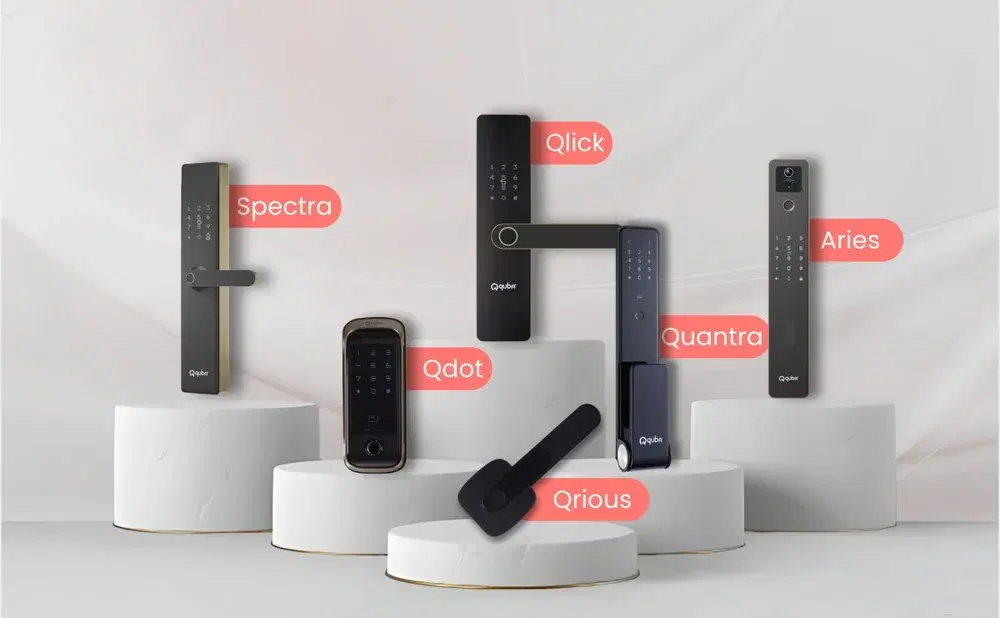 Explore the full range
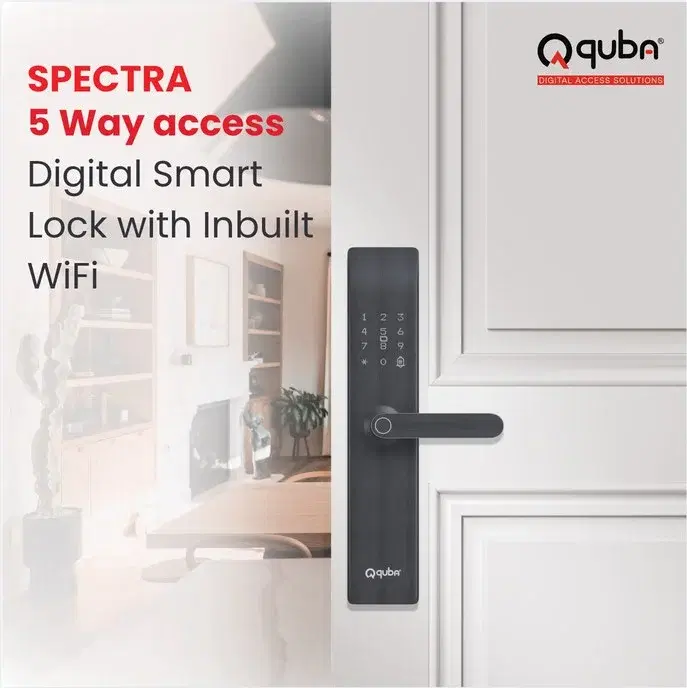 Smart Locks
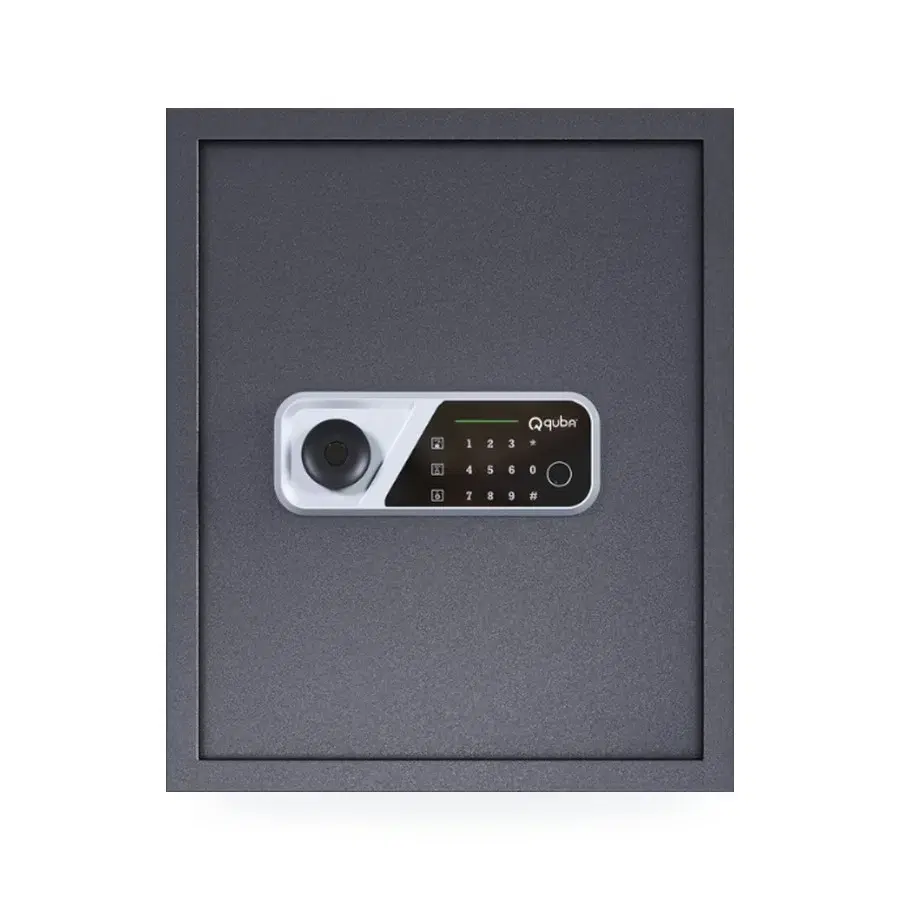 Digital Safes
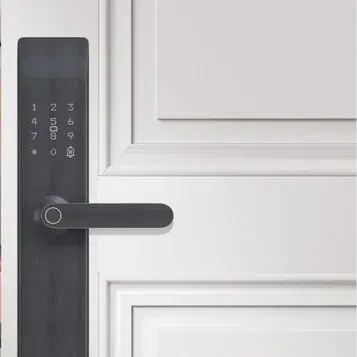
 HomeLocksSafes
Trusted by top e-commerce brands
















Having a Brand Store is not the same as having one that sells
A Brand Store is where a shopper goes after a single product catches their eye. What they find there decides whether they see the rest of your range or leave.
One productThe whole rangeA product page shows one product.
A shopper who likes one item has no easy way to see what else you sell. A store lays out the whole range in one place.
Our storyA store can hold the story a listing can't.
Titles and bullets sell one product. A store has room for who you are, what you stand for, and how your products fit together.
A template with products dropped in rarely helps.
Amazon's Store Builder is free, and a store built quickly from a template, with products scattered across pages, tends to look like every other one. The work that matters is planning the structure and design.
Most shoppers are on a phone.
A store designed on a desktop and never checked on a handset loses people on the first screen.
A good Brand Store is planned like a shop floor: where the shopper comes in, what they see first, and how they find the rest.
What's included in every Brand Store project
Store audit and competitor review
We look at your catalog and the stores competing in your category before any design starts.
Structure and navigation plan
Pages, menus, and where each product group sits, shown to you for approval first.
Homepage design
A first screen that tells shoppers who you are and sends them to the right category.
Category and sub-pages
Pages for each product group, so shoppers can browse by type or need.
Custom graphics and copy
Headlines, short copy, and images made for your brand and products, not from a stock layout.
Video and lifestyle banners
Brand video and lifestyle images that show the products in real use.
Brand story section
A short section on who you are and why the products exist.
Build, mobile check, and publishing
We build the store in Amazon's Store Builder, check it on phone and desktop, and submit it for Amazon's review.
Revisions on feedback
Tell us what to change in the first draft, and we update the store to match.
We map the store before we design it
A Brand Store is built in a set order, so you see the structure before any design work starts.
HomepageSmart LocksDigital SafesOur Story- 01Start with your range and your competitorsWe review your catalog and the stores in your category, and agree your goals and key products.
- 02Map the structure firstWe lay out pages, navigation, and product groups as a simple plan for your approval.
- 03Design for the shopper's routeThe homepage leads to categories, and categories lead to products, with one job for each page.
- 04Match your brand everywhereCopy, images, and video line up with your A+ Content and your website, so shoppers see one brand.
- 05Build for the phone firstWe design and check each page at phone size, because that's where many shoppers will see it.
- 06Check before publishingWe preview on mobile and desktop, test every link, and check the content against Amazon's rules before submitting.
- 07Keep it currentTell us when your range or season changes, and we update the store.
Your A+ Content should match your store. See our A+ Content service.
How we work
We combine your product expertise with real customer insights to create Amazon listings that answer questions, build confidence, and make buying decisions easier.
- Step 01
Understand the product
We work with your brand or product team to understand what makes your product different, who it's for, and what matters most.
- Step 02
Listen to the customers
We analyze customer feedback on and beyond Amazon, including reviews of top competitors, to uncover what shoppers love, dislike, question, and expect.
- Step 03
Build the content strategy
We turn those insights into a slide-by-slide plan, prioritizing the information shoppers need most in the first 3–4 images.
- Step 04
Create with purpose
We develop compelling copy, high-impact visuals, realistic lifestyle imagery, and A+ Content. Where relevant, we add product education, comparisons, assembly, and care guidance.
- Step 05
Review & refine
Every detail is checked for product accuracy, brand consistency, and Amazon requirements. Your team reviews and approves the content before publishing.
- Step 06 · live
Publish & verify
We publish the approved content or support your team with implementation, then verify the updates are live where we have access.
Get your listing audit before you decide anything.
Send one ASIN and get a clear report of what to fix first, in plain language.